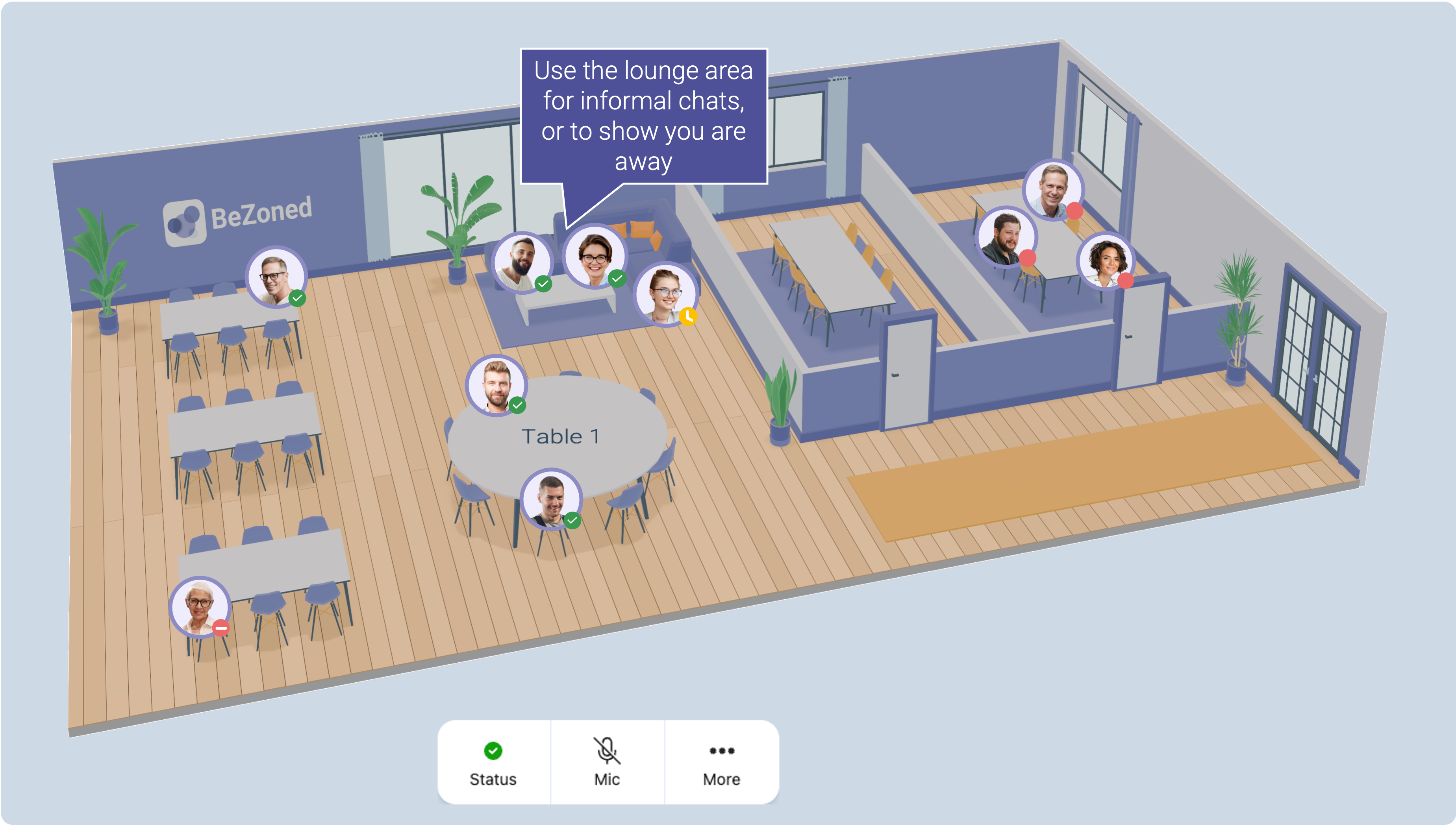
Use the Lounge area to talk or relax
The Lounge area helps you show when you’re away from your desk while still staying connected. It’s designed for short breaks and informal moments during the workday.
Use the Lounge area when you step away for:
Coffee or lunch
A short break
Casual conversations with coworkers
When you place your avatar in the Lounge area, you can choose to set your status. This help others understand if you are:
Away – Use this when you are actually away from your PC.
Available – Use this when you’re open to messages or quick chats.
The Lounge area is also a great space for informal meetings and spontaneous conversations, making it easy to stay socially connected without signaling full availability.
Was this helpful?
Still need help? Ask the team