February 12th, 2026
New Status indicator functionality
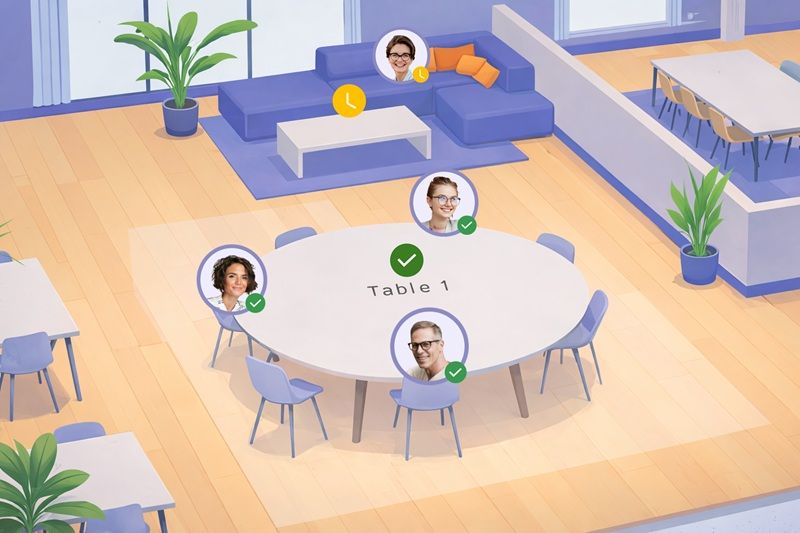
You can now automatically update your Status when moving to a table or lounge in BeZoned.
This new feature helps you stay visible and aligned with your team - without needing to manually adjust your status every time you change location.
How it works
Right-click on a table.
Select Default status from the table menu.
Choose the status you want to apply automatically when someone moves to that table.
Once set, you can hover over the table to see whether a default status has been assigned.
You can still change your Status manually while sitting at a table, just as before. And your Status will also continue to sync automatically with Microsoft Teams and Outlook - for example, if you are in a calendar meeting or marked as away.
Learn more about BeZoned and upcoming activities on our web site.